
The Chaves County Court Calendar
For near-term District Court hearings, use the Chaves County District Court docket page in Roswell. That is the public source to check. It lays out scheduled events in a calendar view. A separate statewide case register covers case history instead, and the Fifth District docket index links both District and Magistrate docket resources.
Keep in mind what a calendar does. It covers a slice of time and nothing more. An entry proves an event was scheduled, not that a hearing happened or that the case resolved. Court level, division, event type, date, time, and appearance instructions all deserve confirmation from the live court information.
Chaves Court Calendar Seven-Day Window
The District Court page shows hearings for the current day plus six days out. That makes it handy for a Chaves court calendar check right before a setting. The window is short by design. It cannot replace a historical case register. Nor can it tell you about distant scheduling.
The court warns that hearing details may contain omissions, and it makes no warranty about the listing. If your case does not appear, call the court. Do not assume the hearing was canceled. Save the date you pulled a calendar result, since the contents can change. The Chaves District calendar source lays out the court's current-week calendar route.
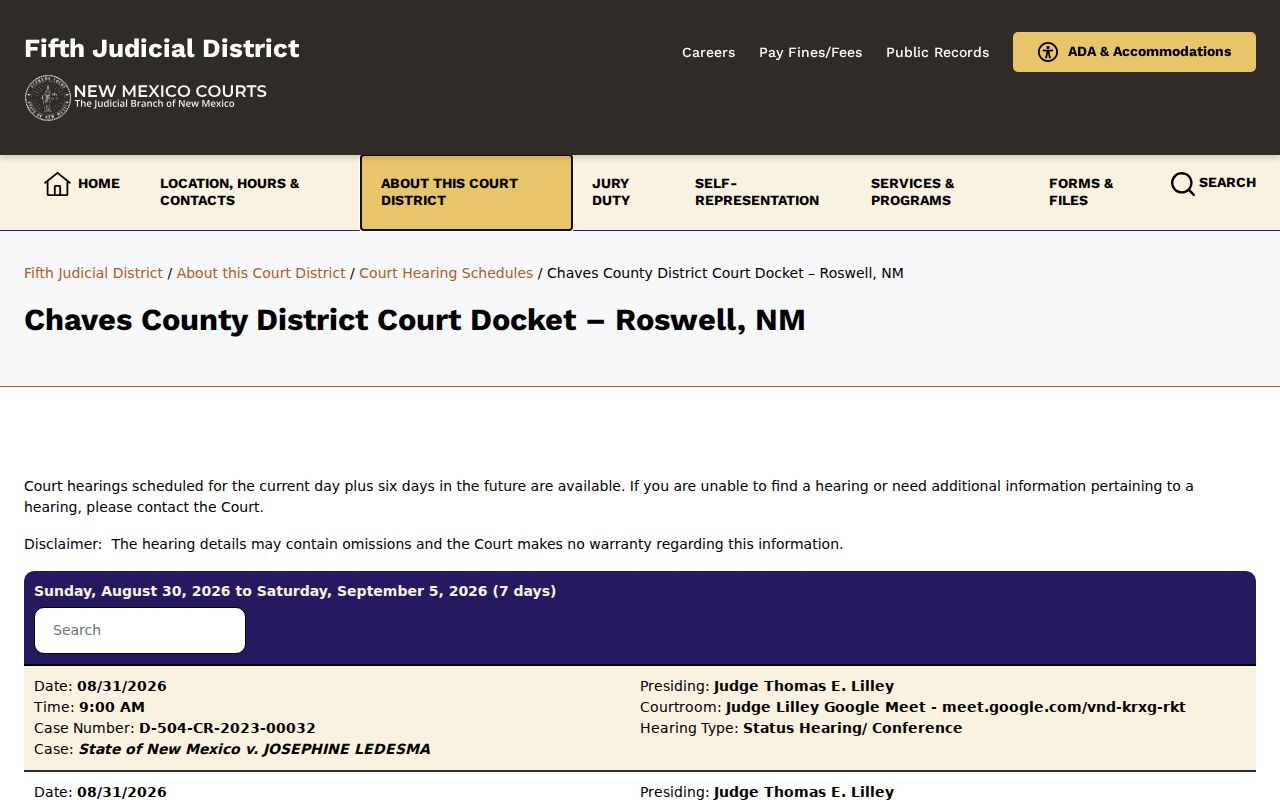
This calendar view is a near-term scheduling source, not a permanent docket record or a complete case file.
How to Find Your Court Date
Start with the court level named in your case papers, citation, notice, or an earlier register entry. District Court, Roswell Magistrate Court, and the four municipal courts keep separate records. A statewide name search without a court location can point you to the wrong calendar channel.
- Check the official Chaves District calendar for a setting expected today through six days ahead.
- Use New Mexico Case Lookup with the case number, court location, category, and year when the date falls outside the short calendar window.
- Use permitted re:SearchNM access for case information or documents available to the registered account.
- Call the appropriate clerk: District Court at 575-622-2212 or Roswell Magistrate at 575-624-6088 when the setting is missing or unclear.
- For in-person direction, contact the District clerk at 400 N. Virginia Ave. or the Magistrate clerk at 400 N. Virginia Ave., Suite G-1, in Roswell, and confirm the division, time, and appearance details.
The secured Odyssey route does include a calendar-results path, but it requires a login. Active SOPA users moved to re:SearchNM in April 2023. So the legacy route is not the best anonymous Chaves court-date search.
Chaves Court Calendar and Register
A hearing calendar answers a narrow question: what is scheduled during the displayed period. The register of actions answers a wider one. It records the filings, hearings, orders, and other events in a case over time. A calendar entry is no substitute for the register or an official copy.
For an old Chaves court calendar setting, search the register by case number. Or go through the clerk. The public District page offers no stable historical-search fields. Its dynamic content may need a normal browser. The court holding the file can say whether an older setting appears in the public record. The Fifth District docket index separates the court docket routes the district offers.
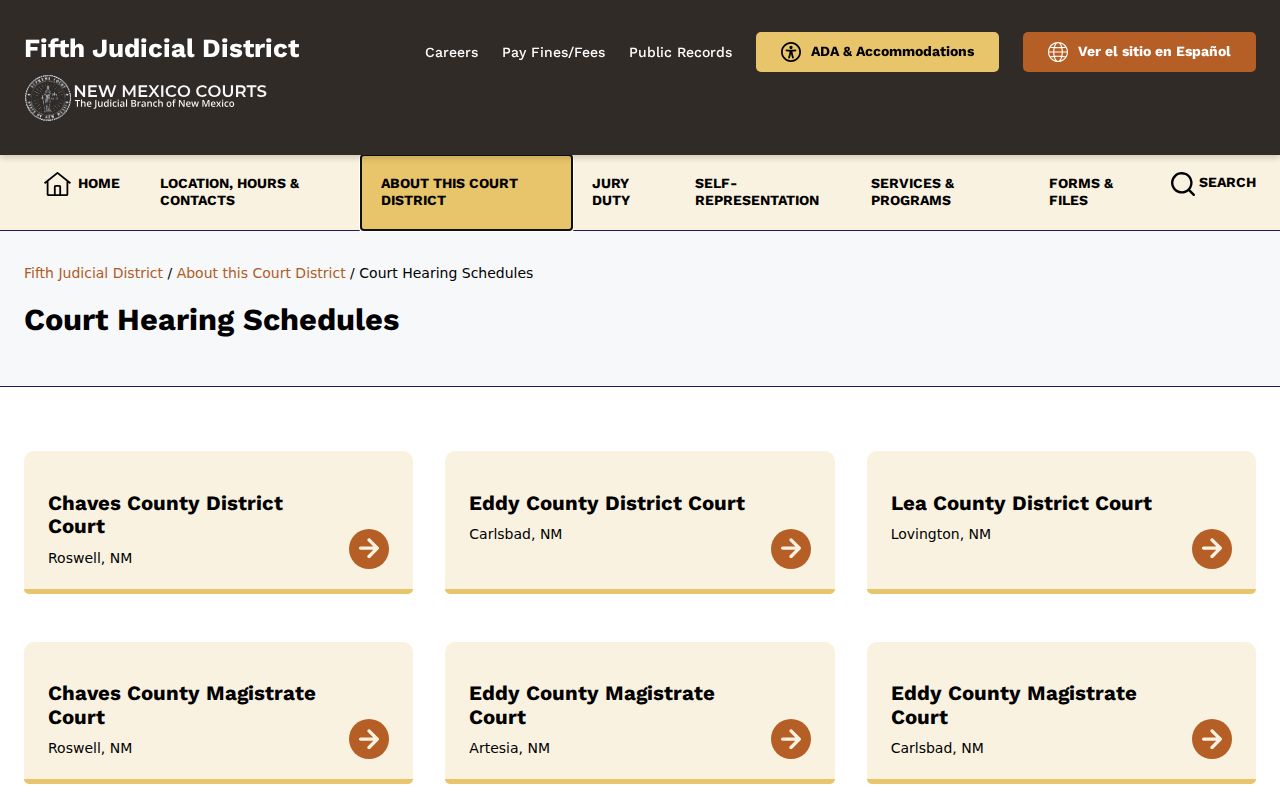
The index helps you start with the correct court resource before reading any individual calendar listing.
Reading a Court Setting
A setting is a scheduled court event, nothing more. Common types include arraignment, preliminary hearing, motion hearing, status or conference setting, trial, sentencing, probation matter, protection-order hearing, or review. The label names the purpose of the event. It does not state that the court reached a final result.
| Date | The calendar date for the scheduled event. Confirm it shortly before travel. |
|---|---|
| Time | The listed hearing or calendar time. Do not assume it is an individual case call without confirmation. |
| Court or division | The court level and division that identify where the case is being heard. |
| Event type | The stated purpose, such as arraignment, motion hearing, trial, or sentencing. |
| Appearance details | Any courtroom, remote, in-person, or other instruction supplied by the court. |
Chaves Court Calendar Setting Checks
Before attending, confirm the court level, division, event type, date, time, courtroom, and remote-appearance direction. Also confirm whether you must appear at all. Ask whether the matter is in person, remote, or hybrid. Ask too whether the public may observe. A calendar page never promises to be complete or live.
For a Chaves court calendar entry on a District case, call the District clerk. Use the records email, rosdfax@nmcourts.gov, for current routing. A Magistrate case goes through a separate office and rosmpublic@nmcourts.gov. Give the clerk the case number, and they can tell a historical event from the next setting far more reliably.
Resets, Continuances, and Cancellations
A calendar can shift after it is posted. Continuances, resets, settlements, pleas, emergencies, judicial assignments, and courtroom changes all play a part. A reset simply moves a scheduled hearing or trial to another date. Earlier entries stay in the case history even as the next event changes.
Check the live source again close to the setting. Call the holding court if the calendar conflicts with a notice or register entry. A blank result does not prove cancellation. Given the short window and the court's omissions warning, direct verification is safer. That route fits any moved or uncertain hearing.
Chaves Court Calendar Court Split
Chaves County hosts two trial courts with separate dockets. Chaves District Court is the Fifth Judicial District's general-jurisdiction trial court in Roswell. Its public calendar page covers District Court hearings only. Roswell Magistrate Court runs on its own clerk and calendar, handling limited-jurisdiction civil matters, misdemeanors, DWI/DUI, traffic, and felony preliminary hearings.
The Fifth District Magistrate judges page lists the Roswell Magistrate Court's divisions and how to reach them. A hearing on the District calendar is never the Magistrate calendar. Both courts sit in Roswell. Check the right court before you go.
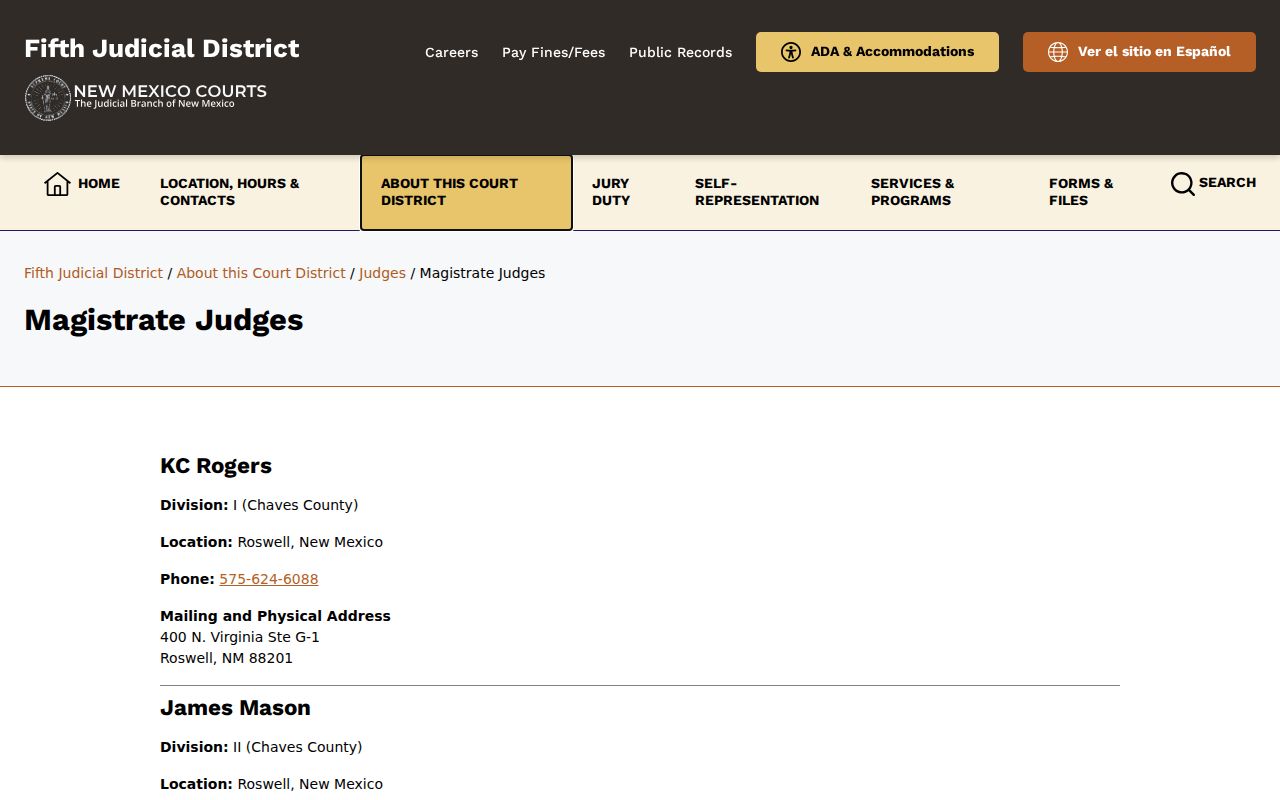
That Magistrate page points to the separate court channel where a Chaves setting may actually live.
Chaves Court Calendar Secured Route
New Mexico also keeps a secured court calendar route. The legacy Odyssey or SOPA destination loads a CourtCalendarSearchResults page. But it greets you with User ID, Password, and Login controls. Nothing there is anonymous. Per New Mexico's public-access information, active SOPA users moved to re:SearchNM in April 2023.
For practical use, rely on the public District calendar for a near-term setting. Case Lookup covers public register information. Treat re:SearchNM as a registered-account tool. Never try to get past a login or a CAPTCHA. When the normal routes leave a Chaves setting unclear, call the responsible court. The legacy SOPA calendar login route shows exactly what a secured calendar door looks like. It is not a public one.
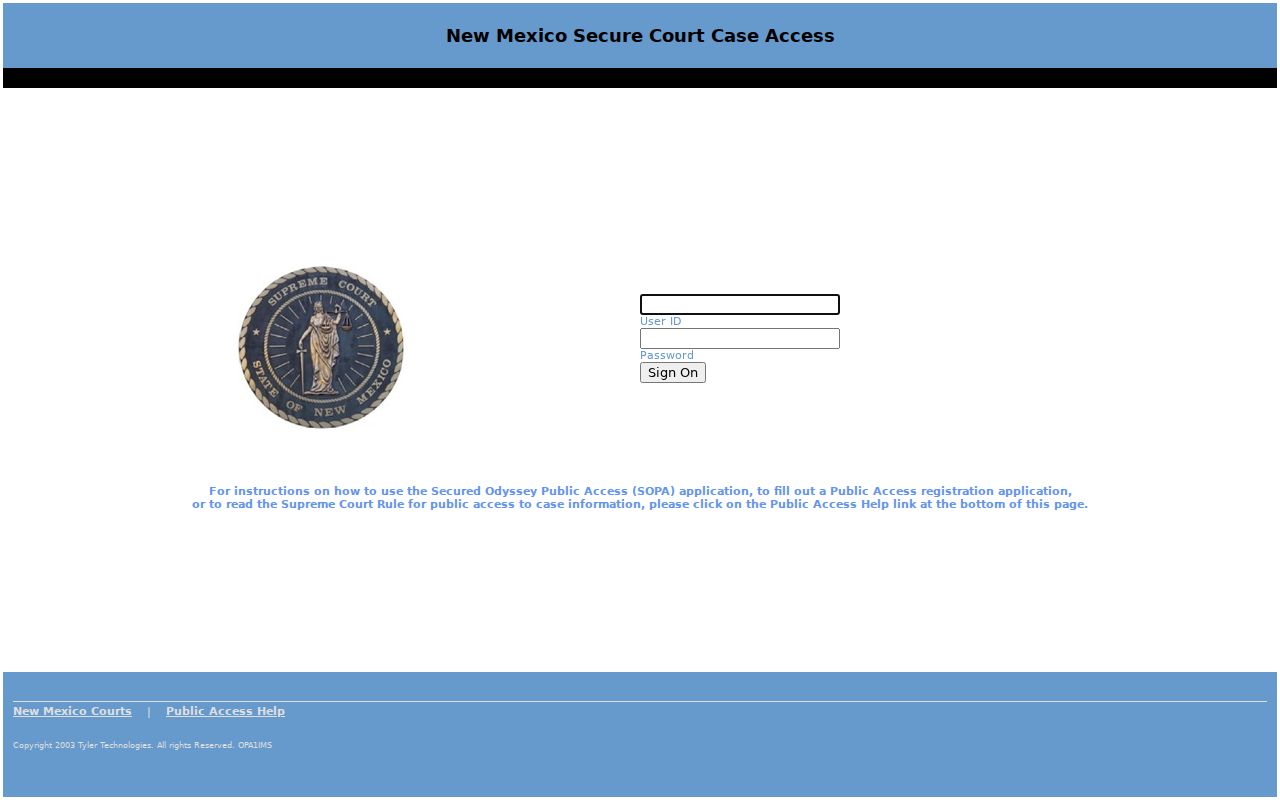
That login screen demands account access, so it can't replace a clerk-confirmed Chaves setting.
Chaves Court Calendar City Limits
Roswell, Dexter, Hagerman, and Lake Arthur each run a municipal court. But Chaves County posts no unified municipal calendar and no guaranteed public archive of past city dockets. Roswell's official pages cover paying a citation and showing up, not a searchable docket table. A municipal directory lists each court's contact route.
So work a municipal case through the citation. Or try the city clerk. The municipal court phone works too. Hagerman's local page posts its session schedule as an image, so confirm it directly. City court records sit apart from both the District and Magistrate calendars.
Chaves Court Calendar Attendance Check
Before attending any hearing, ask the hosting court. Ask about seating, accessibility, recording, phones, children, and security. Roswell Municipal Court says on its official page that courtroom entrants pass through an electronic search. Its traffic page names the prohibited weapons and recording devices. Those rules apply to that city court. Do not assume every Chaves hearing works the same way.
For a District or Magistrate docket event, call ahead for the current arrangement. The Fifth District's language-access and ADA materials describe the access help available. Confirm the accommodation process before you arrive. The docket tells you when a setting happens. The court tells you how to attend it.
What To Do If You Miss a Setting
Missed a setting? Contact the court holding the case right away. Give the clerk the case number, the court level, and the date you missed, then ask how to confirm the current status and the next court date. A criminal docket and a municipal citation follow different procedures, so a District calendar process will not carry over everywhere.
Missed a Setting? A missed court date can have serious case consequences. Roswell’s traffic information specifically warns about failure-to-appear consequences; ask the holding court what applies to the case.
Call the District clerk at 575-622-2212 or the Roswell Magistrate clerk at 575-624-6088 for the appropriate Chaves court record.
Confirm the next setting, appearance direction, and any court instruction from the clerk or a licensed attorney involved in the case.