
Searching Cases by Name
The statewide starting point is New Mexico Case Lookup. It searches case and register information across courts. A bare name is risky. It can pull cases from several courts and from several people who share a name. Pick the court type and court location first. Then layer on category and year if you know them. Chaves matters may sit in District, Roswell Magistrate, or a municipal court. So location and category act as identity checks. Read the caption, court location, filed date, and status together before treating a hit as the right case.
- Open Case Lookup in a normal browser and select the court type and Chaves court location that fit the matter.
- Enter the available party name, then add the category and filing year to narrow common-name results.
- Use the status and filed-date filters if the first result set is broad, and review the caption and court location.
- Open the matching case/register information for events and settings. Request documents from the holding court when the register is not enough.
Beyond names, the search fields cover attorney first and last name, an attorney number called CAID, case status, filed-date bounds, and sorting. The judiciary documents these fields. One caution applies: a blank field is no promise the portal will return every related file.
| Field Label | Type | Required | Notes |
|---|---|---|---|
| Type of Court | Selection | Not always | Use the court level that holds the Chaves case. |
| Court Location | Selection | Not always | Important false-match filter for Chaves cases. |
| Case Category and Year | Selection and year | Not always | Useful when a name produces several cases. |
| Case Number | Text | Not always | Usually the most direct search when complete. |
| Attorney / CAID | Text | Not always | CAID is the judiciary term for attorney number. |
| Status, filed date, sort | Filters | No | Options include open, closed, date range, and result order. |
Note: Case Lookup is a case and register search, not a certified source for a court-file document.
Chaves County Case Search Filters
In a Chaves County case search, court location does more work than a broad name entry. A District case and a Roswell Magistrate case can grow from the same event. Yet they remain separate court records. Category splits civil, criminal, domestic, probate, juvenile, traffic, and municipal matters. The year narrows older or recurring names. When a lawyer is the identifier you have, use the attorney fields and CAID exactly as the portal describes them. Do not assume a generic bar number. Set the result sort only after the identifying filters. Filed Date, Filed Date Reverse, and Status are the documented sort choices. An open or closed label is a search status, nothing more. It is not a finding about the legal effect of a case. A closed case is not necessarily expunged, and a listed setting is not an outcome. Note: Court location, case category, and year are the best checks. Do not rely on a name match alone.
Searching by Case Number
A full court-assigned number is the cleanest way in. It ties the search to one file. The judiciary's official expungement materials show a pattern like D-202-CR-2023-0000. That string carries a court or location code. It also holds a case category, a year, and a sequence. Do not use the example to invent a missing number or to identify a disposition. People who know the court but not the number should contact that court, as the judiciary itself advises. Enter the number exactly when the public search accepts it. If an older number, a partial number, or a city citation returns nothing, stop guessing at codes. Instead, give the clerk the court level and the approximate year. Add any known party or caption details. Include the original citation or notice if you have it. Municipal citations can be indexed differently from Fifth District or Magistrate cases.
Chaves County Case Search Access Gaps
The Case Lookup route sits behind JavaScript bot verification. It comes complete with a CAPTCHA and a support ID. Don't take that screen as a sign that Chaves County records are missing. Use a regular browser with JavaScript turned on. Skip any automated collection and try again later. If access still fails, contact the proper court directly instead of working around the verification. The Fifth Judicial District contact page lists District and Magistrate channels for local follow-up.
The official Case Lookup landing route is the state's entry point for a Chaves County case search. That page shows its own verification prompt when traffic looks automated.
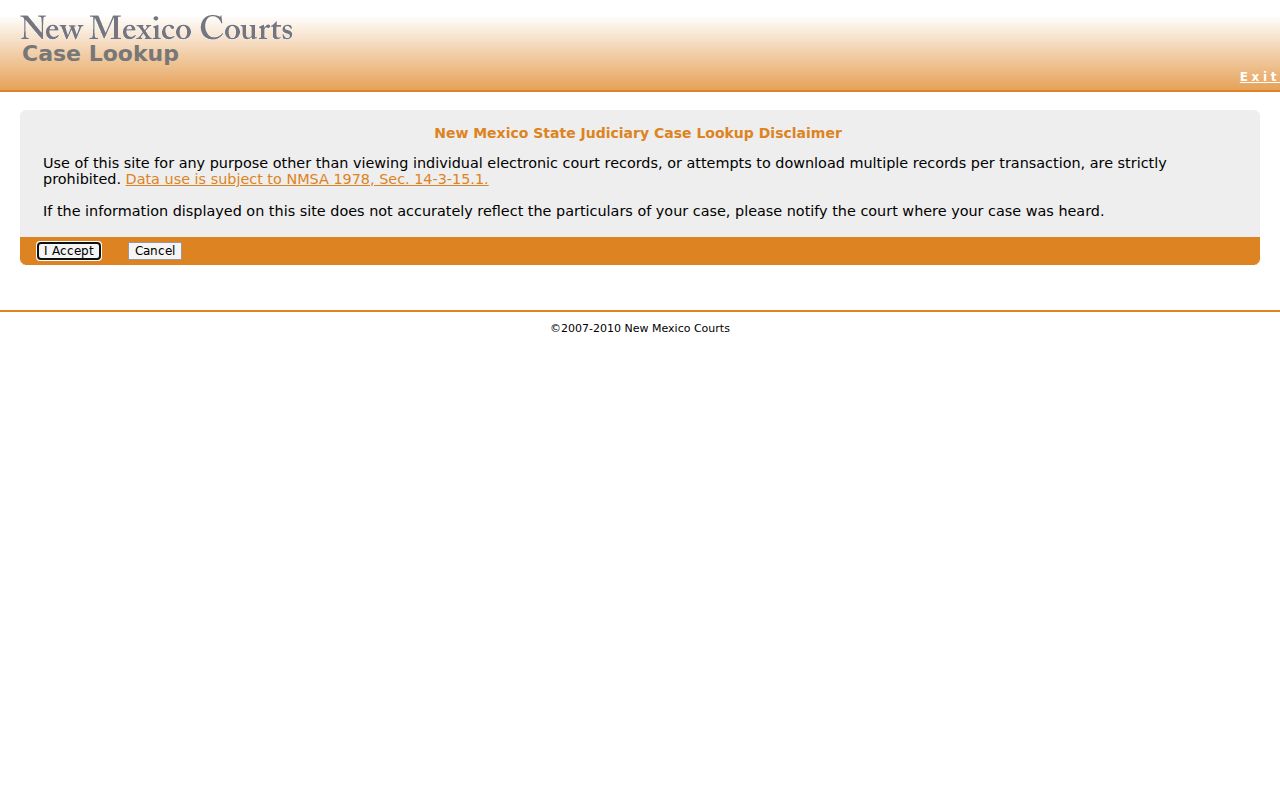
A verification barrier only changes the access channel, not the court that holds the record. When you call or visit, keep the court, category, approximate year, and case number ready for the clerk.
What a Case Search Returns
The judiciary describes Case Lookup as a source of case and register information, not documents. Think of the result as an index to the court record. It can confirm a case number, court location, category, status, and filing information. It also lists parties or attorneys as permitted, plus recorded events. It cannot turn an online entry into a certified copy. The public access materials add that personal identifying information is never displayed. That includes Social Security numbers and addresses.
| Case number | The court-assigned identifier used to locate the record. |
|---|---|
| Caption or parties | Case identity information shown as the public access rules permit. |
| Court and category | The court level/location and broad type of case. |
| Filed date and status | Search and review fields, not a substitute for the full register. |
| Register of actions | Chronological docket entries for filings, events, orders, and dispositions where public. |
A docket entry records an event. That is all it does. A motion requests action, an order is a court direction, and a disposition is the recorded outcome. Read those terms no further than the register itself goes.
Chaves County Case Search Documents
New Mexico eFile runs filings through the Odyssey workflow. The official filing instructions walk through searching an existing matter by case number or party name. Next come choosing a filing code, adding a filing description, and uploading a lead PDF. That description can surface in Odyssey, SOPA, re:SearchNM, and Online Case Lookup. Comments do not. So a description appearing in a case search does not mean an anonymous viewer can open the PDF. The official New Mexico eFile service is the judiciary's route for electronic filing.
A docket description can show up before the document itself is ready. Clerk acceptance, scanning, redaction, a security tier, and system timing all play a part in that gap. Keep in mind that a visible filing description does not mean the document is available for public download.
Statewide vs County Case Search
Chaves County has no single public case database covering everything. The statewide register layer is New Mexico Case Lookup. The Fifth District's local docket page works as a narrow calendar, listing District hearings from the current day through six days ahead. The District or Magistrate clerk keeps the file itself. For finding a case or register, go statewide. For a near-term setting, copies, or anything needing clerk confirmation, go through the local court.
| New Mexico Case Lookup | Chaves court channels |
|---|---|
| Statewide case/register search across participating court locations. | District calendar, court clerk, and court-specific municipal channels. |
| Search concepts include location, category, year, number, status, and filed date. | Use the holding court for a calendar check, copies, inspection, or a restricted-access question. |
| Does not show documents in anonymous public Case Lookup. | Can explain whether a record is public, sealed, unscanned, or held at another court level. |
For a hearing outside that calendar window, whether past or future, search the register, use authorized access, or call the court. The Chaves County court calendar page explains the limited public hearing window that the local docket covers.
Chaves County Case Search re:SearchNM
re:SearchNM serves as the registered statewide layer for a Chaves County case search. Its search concepts are familiar. You can filter by court type, location, category, year, case number, attorney, status, filed date, and sort order. You must register first. Even then, a registered account is not a blanket right to every Chaves record. Document access and sensitive categories depend on the account tier and case permissions.
The judiciary marks certain categories as restricted. These can cover juvenile delinquency, abuse or neglect, adoption, and mental-health matters. Self-represented litigants may reach cases marked Pro Se after registration or application. Is an item you expect missing? Ask the court whether it is sealed, restricted, unscanned, or unavailable at your access tier.
The registered re:SearchNM portal is the official page for this route.
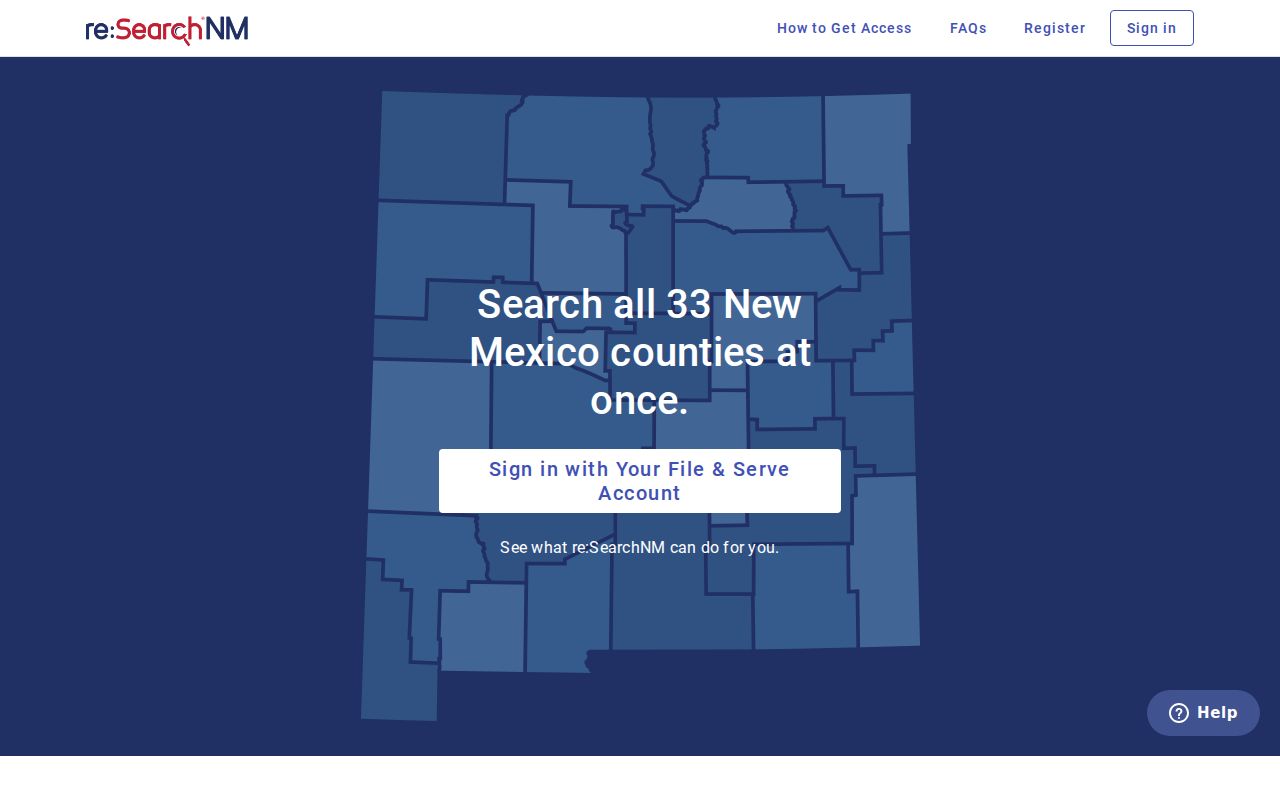
Registration simply opens a controlled search route; it changes no court order, confidentiality rule, or redaction requirement.
Access and Restricted Cases
Public access has boundaries under New Mexico court rules and orders. Some case types stay out of ordinary public results. These include juvenile, protection-order, abuse and neglect, guardianship, adoption, mental-health, treatment, sealed, and protected-identifier material. Rule 1-079.1 covers guardianship and conservatorship records. These are generally sealed. A limited register can still stay public, though, if it reveals no protected medical or psychological information. Someone who needs a restricted record should follow the process the court sets. Do not read anything into a missing result.
Expungement is its own legal process. The official New Mexico expungement request page asks for identifying information and a full case number. It also requires an acknowledgment, government photo identification, and a CAPTCHA. It is not an anonymous case-search form.
That expungement request route is what the official page provides.
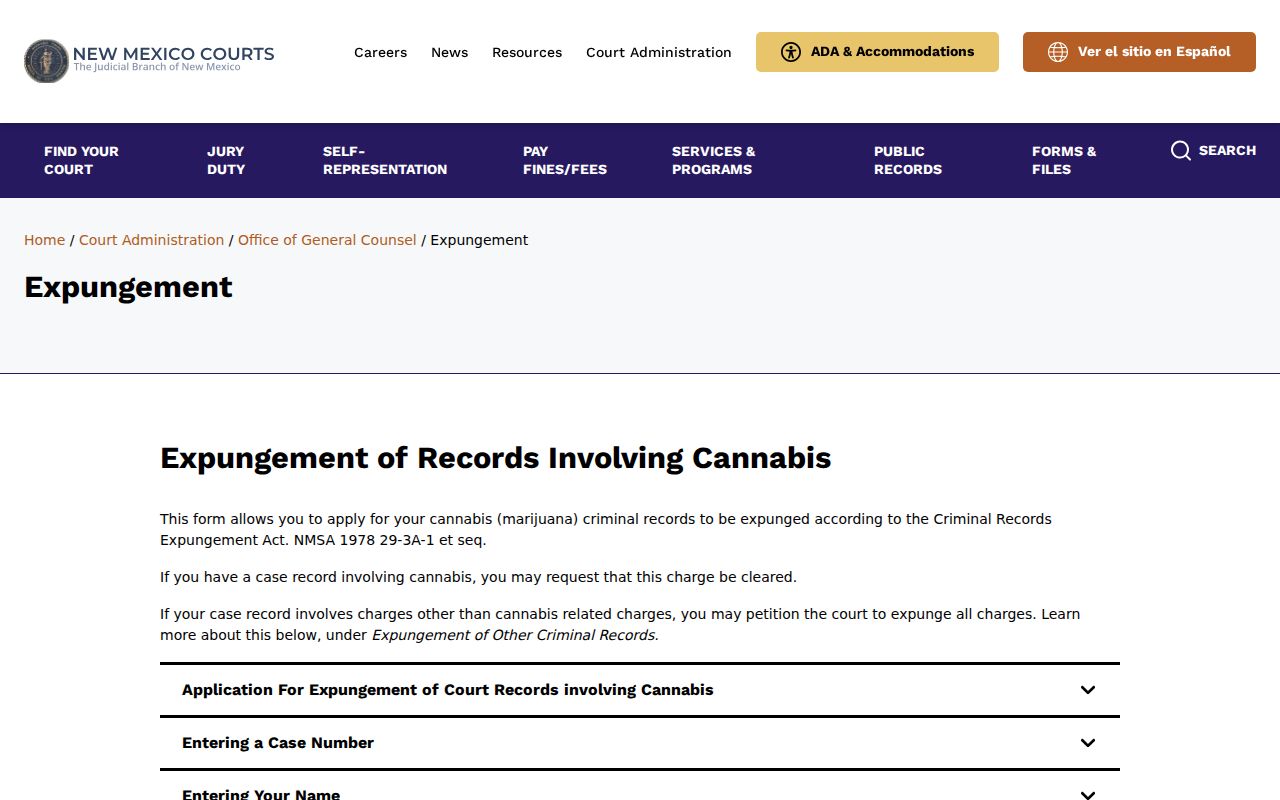
Questions about restricted access or expungement belong with the court or the process named in the official instructions, not with an assumption drawn from a public portal result.
Note: A case marked closed, dismissed, or set for a hearing means something different from a sealed or expunged record. Treat those labels accordingly.
Chaves County Case Search Clerk Route
Did your Chaves County case search come up empty? Send a narrow request to the court that holds the record. The Chaves County District Court Clerk's Office sits at 400 N. Virginia Ave., Roswell, NM 88201. Its main phone is 575-622-2212. The records, pro se, and non-e-filed filing email is rosdfax@nmcourts.gov. Roswell Magistrate records are kept separately. The office sits at 400 N. Virginia Ave., Suite G-1, Roswell, NM 88201, reachable at 575-624-6088 or rosmpublic@nmcourts.gov for records.
Say which court you need, the case number if known, party or caption details, the document title or date range, and whether you want inspection, a plain copy, or a certified copy. The court can tell a District, Magistrate, and municipal record apart. The Administrative Office of the Courts does not hold individual case files. Send full-document requests to the clerk, as the Chaves County court records page describes.